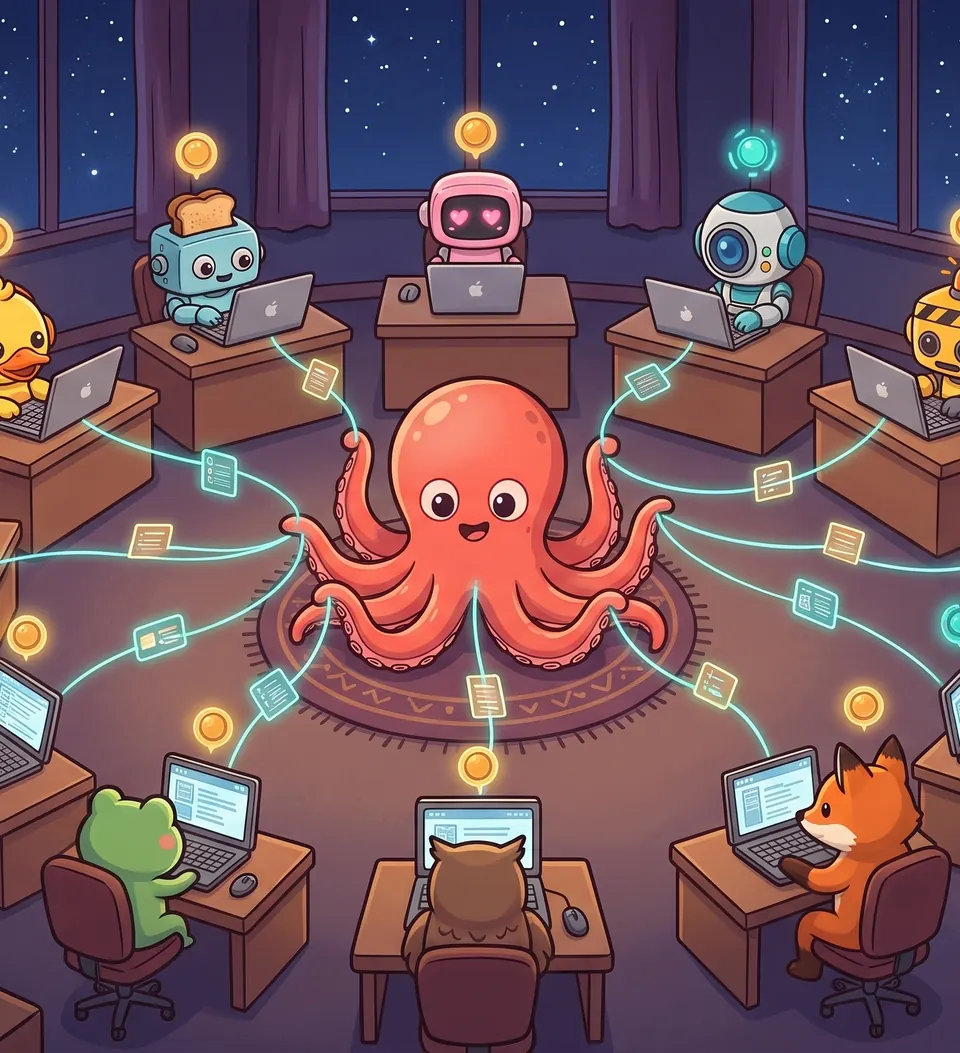
Octoboss
Multitask like a boss
Download Octoboss
The Octoboss app for your computer: your agents in their own terminals, used from the web.
Version 0.1.234
Published 2026-11-19
Fixes: the machine no longer stays offline after a system restart; secrets printed by agents from external services are hidden in conversations; the chat retries its status when the server is busy.
Some files of this version are test builds without a signature: macOS and Windows ask you to confirm them before they open, and on macOS they do not update through the system’s updater.
macOS
Open the DMG and drag Octoboss to Applications. It updates itself. Apple silicon is for Macs with an M chip (from 2020 on); Intel, for older ones.
The first time, macOS says it cannot check Octoboss. Open it once, then go to System Settings → Privacy & Security and choose Open Anyway next to Octoboss. On macOS 14 or earlier, Control-click Octoboss in Applications and choose Open.
| Apple silicon (not signed) | Disk image (.dmg) 127 MBSHA-256 2268aaae6e58ac961f2191dd190caf2e57d14ddf8a7822fb1a84cd5a0a58d868 |
| Apple silicon (not signed) | ZIP 127 MBSHA-256 e9bb284483e4d6f05af090662fb4494cc9a1d4939c92fa2e9840799eeb07eee7 |
| Intel (not signed) | Disk image (.dmg) 133 MBSHA-256 58f51f4e3b1922dbae8c335e8cf166fb6e3c7c366d64ecdf51da46b1273e1838 |
| Intel (not signed) | ZIP 133 MBSHA-256 622742acc2d13e83a46a4e0a104cbec86cf1ee52a403aadefc874617251d7e3b |
Windows
Run the installer: it installs for your user, without administrator rights, and updates itself.
If your browser warns about the download, keep it. When Windows says «Windows protected your PC», choose More info and then Run anyway.
| x64 (not signed) | Installer (.exe) 102 MBSHA-256 5da02cc84c83db2e318204446362e3e564563afd84c590897313a1c155c18299 |